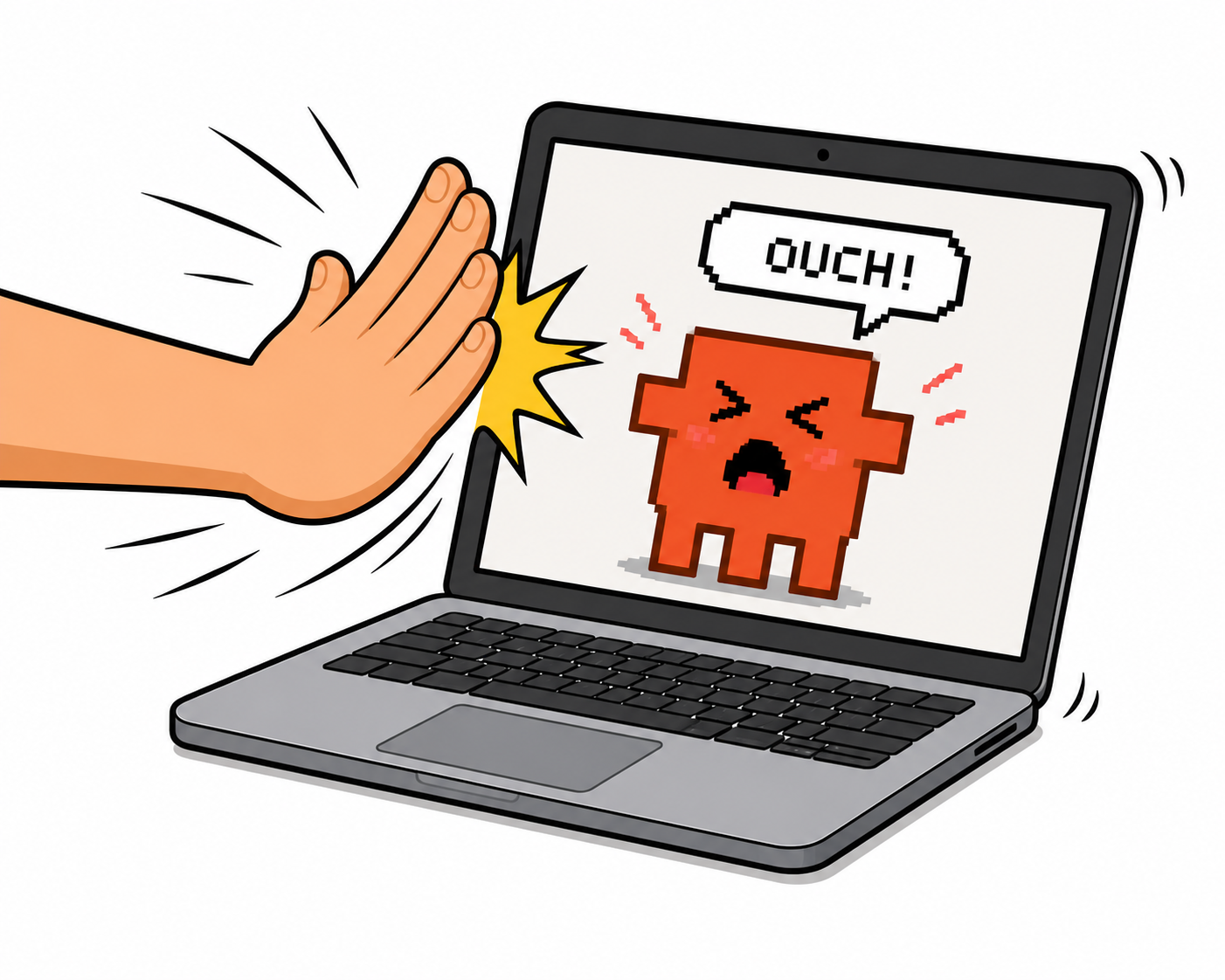
Slap your Mac.
Claude apologizes.
Pure catharsis.
Make Clauchi your own.
Don't like the default voice? Replace it with anything — your voice, a friend's, a sound effect. Three steps.
- Generate clips with ElevenLabs (free tier is enough) — make Clauchi say whatever you want.
- Click the bot icon in your menu bar → Open Sounds Folder.
- Drop your
.mp3files intoslap/. As many as you like.
FAQ
What do I need to run it?
A MacBook with Apple Silicon (M1, M1 Pro, M2, M3, M4 — any Apple Silicon laptop) running macOS 14 (Sonoma) or newer. The slap detection uses the laptop chassis as the trigger — desktop Macs don't really fit the gesture.
You also need Claude Code 2.x installed (Anthropic's official CLI). Clauchi types into your conversation as if you'd typed it yourself — it doesn't use the Claude API, doesn't need your key, doesn't cost extra. If you don't have Claude Code yet, get it free at claude.com/claude-code.
How does it work?
Clauchi listens for the thwack when you slap your laptop, injects a slap message into your Claude Code session, and plays a contrite audio reply. The whole loop lives on your Mac.
Does Clauchi record me?
No. Clauchi analyses the microphone in real time looking for the acoustic signature of a slap. The audio buffer is read, evaluated, and discarded — nothing is written to disk, nothing leaves your Mac, ever.
Then why does Clauchi need microphone access?
Because that's how we detect a physical impact on your laptop. The other option — Apple's hidden accelerometer — only exists on M2 / M1 Pro and newer, and requires root privileges. The mic works on every Mac, doesn't need admin, and is the most accurate signal we found.
If it still makes you uncomfortable: pause Clauchi from the menu bar, the mic releases instantly, and the orange dot disappears.
Why is the orange dot always on?
macOS shows that dot whenever any app uses the microphone. It's a system-level privacy indicator we can't turn off (and wouldn't want to). It's the OS's way of telling you Clauchi has the mic open — even though all Clauchi does with it is listen for slaps.
Hit Pause in the menu bar, the dot goes away. Resume, it comes back.
Does Clauchi need the internet?
No. Zero network calls. No telemetry, no analytics, no servers. Once installed, Clauchi runs entirely on your Mac. You can airplane-mode and it still works.
How does it actually talk to Claude?
Clauchi types [slap] into whatever terminal has focus, as if you'd typed it yourself. Then a hook configured in your ~/.claude/settings.json watches Claude's reply for a sound-marker and triggers the audio. No API, no key, no extra Anthropic billing.
Does it work with Cursor / Windsurf / Kiro / Zed?
Yes, as long as you run claude in their built-in terminal. Supported out of the box: Terminal, iTerm2, Warp, Alacritty, Kitty, Ghostty, WezTerm, Hyper, Tabby, VS Code, Cursor, Windsurf, Zed, Kiro.
Can I customize the sound?
Yes. The app's menu bar has an Open Sounds Folder item. Drop any .mp3 / .aiff / .wav / .m4a in there. Whatever you put in plays at random when you slap. Replace the defaults with your own voice, a friend's, a sound effect — anything.
What if I'm on a call?
Clauchi auto-pauses when it detects a call app running (Zoom, Meet, Teams, FaceTime, Discord, Webex, etc.). The mic releases, the orange dot disappears, and the detector won't fire. When the call ends, Clauchi resumes on its own.
How do I uninstall?
Quit from the menu bar, drag Clauchi.app to the Trash, and (optional) delete ~/Library/Application Support/Clauchi/ to wipe your custom sounds. No leftover daemons, no scheduled tasks.